Production approval path
Live calls begin only after your setup is reviewed and approved.
RUU gives you a safe demo first. When you are ready, the production path confirms your plan, business details, workflow rules, and launch approval before any live call handling begins.
Plan selected
Business verified
Workflow configured
Approval required
When you are ready, approve the exact workflow that goes live.
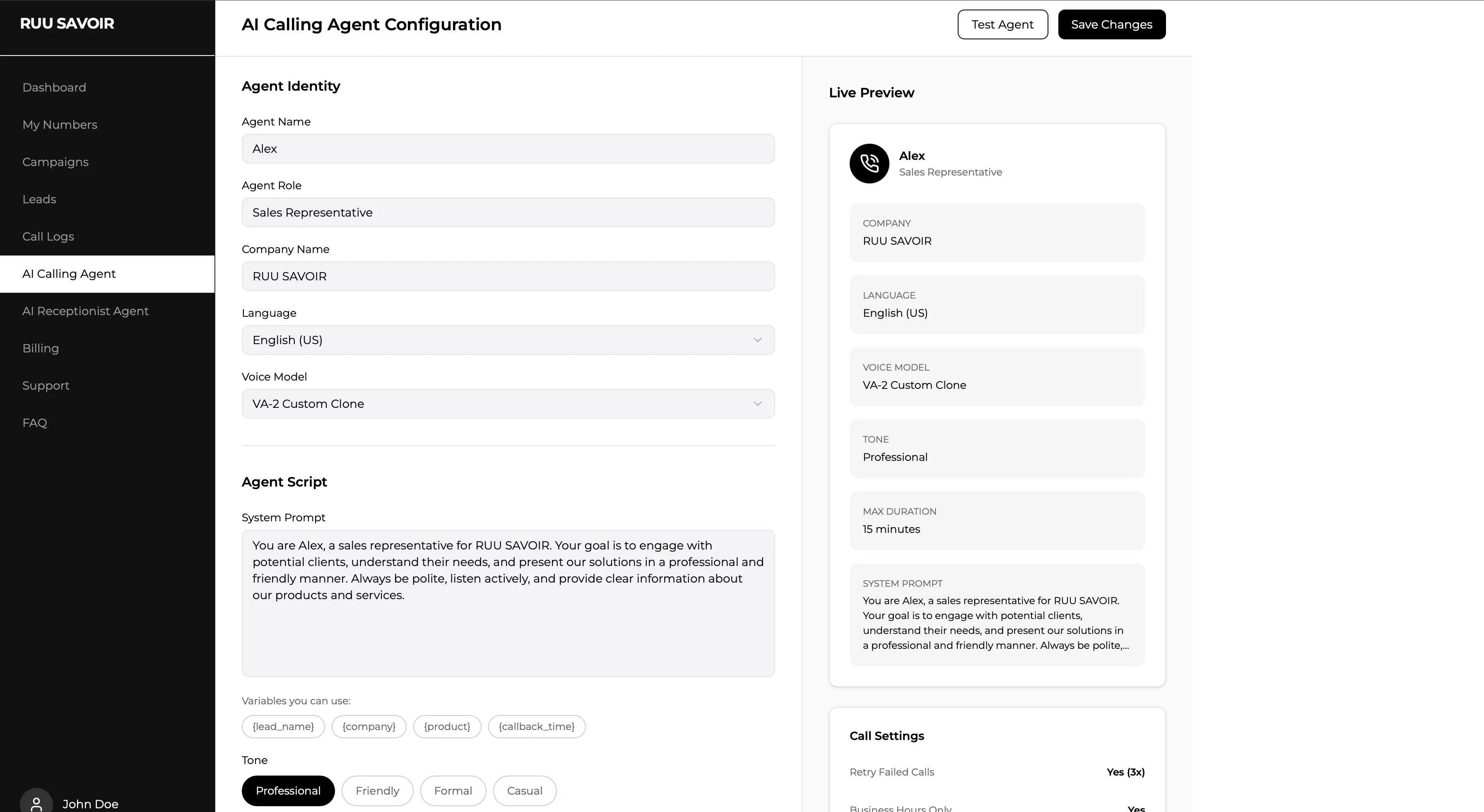
The demo dashboard is for exploration. Production setup is a separate step where RUU prepares your business-specific AI Receptionist or AI Calling Agent, reviews the workflow, and activates only after approval.
01
Create the demo account
Explore sample workflows, call logs, recordings, transcripts, and campaign previews.
02
Choose the workflow
Select AI Receptionist, AI Calling Agent, or a specific use case you want to activate.
03
Select a plan and verify the business
Confirm the plan, business details, call context, and launch requirements.
04
Review the production setup
RUU configures the workflow rules, handoff logic, voice behavior, and dashboard outcomes for approval.
05
Approve before live handling
Only after approval does RUU connect the workflow to live business call handling.
Important: demo access does not connect your phone system or activate real customer calls. Live call handling begins only after plan selection, verification, setup review, and approval.